
A Hair Magic Salon Card brings your chosen hairstyle, color, and practical notes together for a clearer salon conversation. Its purpose is to communicate the direction you want to explore, along with the real-world requirements that a hairstyle preview cannot show.
A useful card says more than “I want this picture.” It identifies the length or framing you like, what you would change, your normal routine, and the questions you want your stylist to answer. The AI image becomes a reference that can be interpreted and adapted to your actual hair.
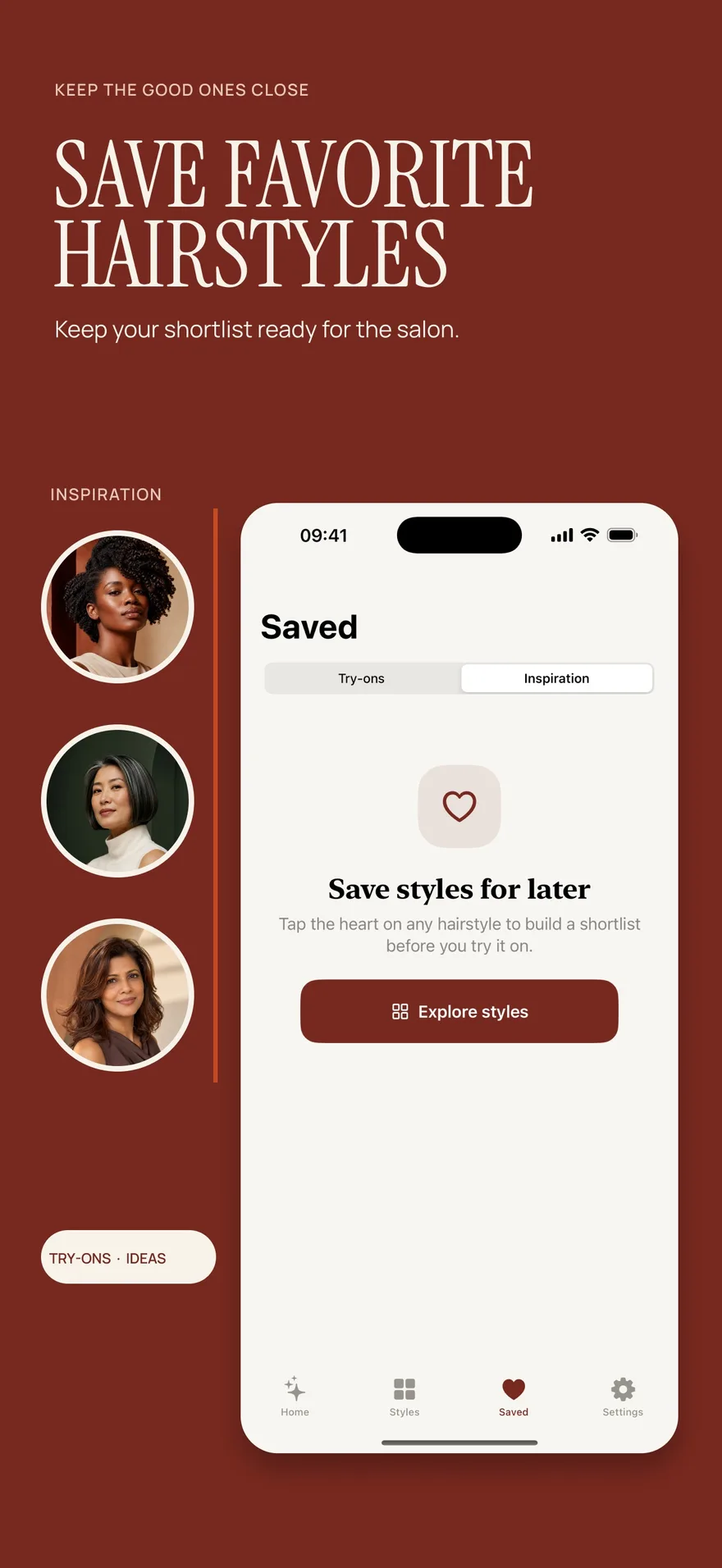
Source: App Store screenshot, captured 8 September 2026. Portraits are style inspiration.
A planning app is only one way to prepare. Our client salon-brief guide compares an app, a reference folder and a simple note. If you are still deciding between cuts, use the two-haircut shortlist exercise first.
Start with a decision, not a collection
Choose a preview that answers the main question for your appointment. If you are booking a haircut, your priority may be length, fringe, or silhouette. If you are discussing color, it may be overall depth, visible contrast, or dimensional placement.
A large set of unrelated images can make your priorities difficult to understand. Select a preferred direction and, if useful, one alternative with a specific difference. You might prefer one length but want to discuss the fringe shown in another image. State that distinction explicitly.
If you have not yet narrowed the options, use the photo hairstyle try-on guide to build a focused comparison before preparing your card.
Create a preview and record the intended look
- Take or choose a suitable photo in Hair Magic.
- Browse, search, or filter the hairstyle catalog and select a direction relevant to your appointment. For color-only planning, keep your current hairstyle.
- Choose your color and adjust any details supported by the selected hairstyle, such as length, parting, bangs, layers, volume, or texture finish.
- Review the choices and tap Generate. The photo is uploaded for cloud processing, which requires internet access.
- Compare the result with your original and identify the details you would like to discuss.
- Create a Salon Card with your chosen style, color, and practical notes. If useful, separately save the result to Photos or share the completed preview using the app's available options.
Hair Magic is free to download with in-app purchases. Premium includes unlimited AI previews during an active subscription; the listing does not guarantee a free generation allowance.
Write notes about what the image means
Describe the parts of the preview that matter. “I like the length near the jaw” tells your stylist more than “I like this bob.” “I want this amount of color variation but less brightness near the face” is clearer than asking for an exact copy of a generated image.
Separate firm preferences from questions. A firm preference might be keeping enough length to secure your hair. A question might be whether your natural texture would create the same apparent silhouette. This gives the stylist room to explain the tradeoffs without missing your priorities.
Also say what you are not asking to reproduce. If the AI made the hair look denser than yours, note that the appealing part is the outer shape. If it changed small facial details, clarify that the image is only a hair reference.
Include the routine behind the result
Hair Magic includes practical guidance relating to starting length, style time, upkeep, heat, chemical processing, tension, and extension use. Review the information relevant to your choice and use it to prepare questions, rather than treating it as an individualized professional assessment.
Your own routine belongs in the notes too. Explain how you normally dry your hair, how much styling you want to do, and whether you need the hair out of your face during daily activities. Mention how you feel about maintenance appointments and changes during grow-out.
For color planning, include relevant previous color or processing history in the conversation. The hair color changer guide explains why a preview cannot establish feasibility or a chemical process.
Use a simple consultation note structure
You can prepare your notes with this sequence:
- My goal: the main change I want to explore at this appointment.
- What I like: the particular length, shape, framing, or color effect in the preview.
- What I would adjust: the areas I want longer, softer, less bright, or otherwise different.
- My daily needs: the routine and practical requirements the look should support.
- What I need assessed: texture, density, starting length, existing processing, feasibility, and upkeep questions.
Write in ordinary language. You do not need technical cutting or color terminology to communicate a useful brief. If you use a style name, explain what you mean visually so the label does not carry the whole request.
Our guide to what to tell your hairstylist adds examples for turning observations into specific consultation questions.
For a special occasion, the wedding hairstyle planning guide helps you bring timing, accessories and a trial appointment into the brief. If you are considering braids, use the braids and protective-style planning checklist to prepare questions about the look and everyday routine.
Bring the original and allow room for adaptation
Keep your starting photo available alongside the preview. It helps make the difference between your current appearance and the imagined direction explicit. If you have practical notes outside the app, bring those as well.
Ask your stylist which elements can be achieved on your hair, what finish the image assumes, and what they would adapt. A Salon Card does not replace hands-on assessment, and an AI preview is not an exact salon outcome guarantee.
If your priorities still conflict, return to the personal hairstyle shortlist guide and decide what matters most. A successful Salon Card makes that priority understandable: the look you enjoy, the routine you want, and the professional questions needed to connect them.
About this guidance. Published by Hair Magic, the app discussed here. Product details are based on the Hair Magic App Store listing, checked on 18 October 2026. This is planning guidance, not a professional assessment of your hair. AI previews are visual estimates; features and prices may change.
Read our editorial approach or explore all hairstyle guides.