
A haircut planning app is useful when you need to explore a different appearance on your photo and keep the practical notes beside that choice. A simple note and a reference folder may be enough if you already know what you want. For a salon visit, the useful output is a clear brief, whichever tool helps you make it.
This is a guide for clients preparing for a haircut. It is not a comparison of salon booking, customer-management or professional diagnosis software. Hair Magic publishes this article; its product steps are based on the App Store listing, checked on 18 October 2026.
Choose a tool for the part you find difficult
If your problem is remembering what to ask, begin with a note. If it is explaining a visible detail, bring a reference image. If you struggle to imagine a different length around your own face, a photo preview can add another way to express the direction.
Those needs can overlap. You might use an inspiration image for the front, a current photo to show your everyday finish and an app preview to explain the overall length. They do not all need to agree perfectly. Label which part of each image matters.
On a small screen, swipe the table to compare every column.
| Tool | What it helps you do | What you still need to supply |
|---|---|---|
| A simple note | Remember priorities and questions | A clear description of the appearance you mean |
| A reference folder | Show examples and unwanted details | Which part of each photo you want to discuss |
| A hairstyle preview | Explore a broad direction on your photo | Practical limits and a reality check with your stylist |
| Hair Magic Salon Card | Organize selected style/color and practical notes | Your real routine, preferences and relevant hair history |
No format can replace the consultation. A well-organized image still needs interpretation in the context of the hair and person in front of the stylist.
Build a five-line brief before opening another app
Use these five prompts. They are an editorial planning worksheet, not an assessment of which cut you should have.
- The change I want: Describe one visible difference, such as a shorter outline or more open front.
- The detail I like in the reference: Identify where to look rather than saying you want everything.
- The length or function I need to keep: Tucking, clipping or tying back are useful examples.
- My ordinary routine: Say what you do after washing and what you are willing to repeat.
- My main question: Ask what the stylist needs to assess before agreeing on the cut.
If you can complete those lines easily and have a good reference, you may already have what you need. A preview is optional. If one line remains vague, use your next tool session to clarify that specific point.
The what-to-tell-your-stylist article offers more consultation examples. The low-maintenance checklist helps make the routine line concrete.
Example: a bob that still needs to move out of your face
An example brief could say: “I want a shorter outline. I like the open forehead in this bob reference. I need the front to move behind my ears while I work. I normally dry it with little arranging. Please show me what length you would keep beside the face.”
That gives the stylist several useful points to resolve. It does not prescribe a cutting measurement from a photograph. You can demonstrate the tucking action at the appointment and let the stylist assess what length and shape would support it.
If the overall length is still undecided, read the bob versus lob guide. If the front is the actual question, compare a bob with bangs and without them. Each helps isolate a different decision instead of changing the entire brief at once.
Where Hair Magic fits into that preparation
Hair Magic's listing documents a catalog of hairstyle and color choices, supported detail controls and original-photo comparison. You can use the app to explore a direction, then create a Salon Card with the selected style, color and practical notes.
Start with a current, clear photo. Browse the closest available hairstyle and keep your current color if the cut is the question. Check the offered detail controls rather than expecting every trend name or exact inspiration-image transfer. Review generation access, then tap Generate when ready for cloud processing; the photo uploads and internet is required.
Compare the result with your original. Write down one thing it clarified and one detail that still needs discussion. The photo try-on guide explains the workflow, while the Salon Card guide focuses on organizing the notes.
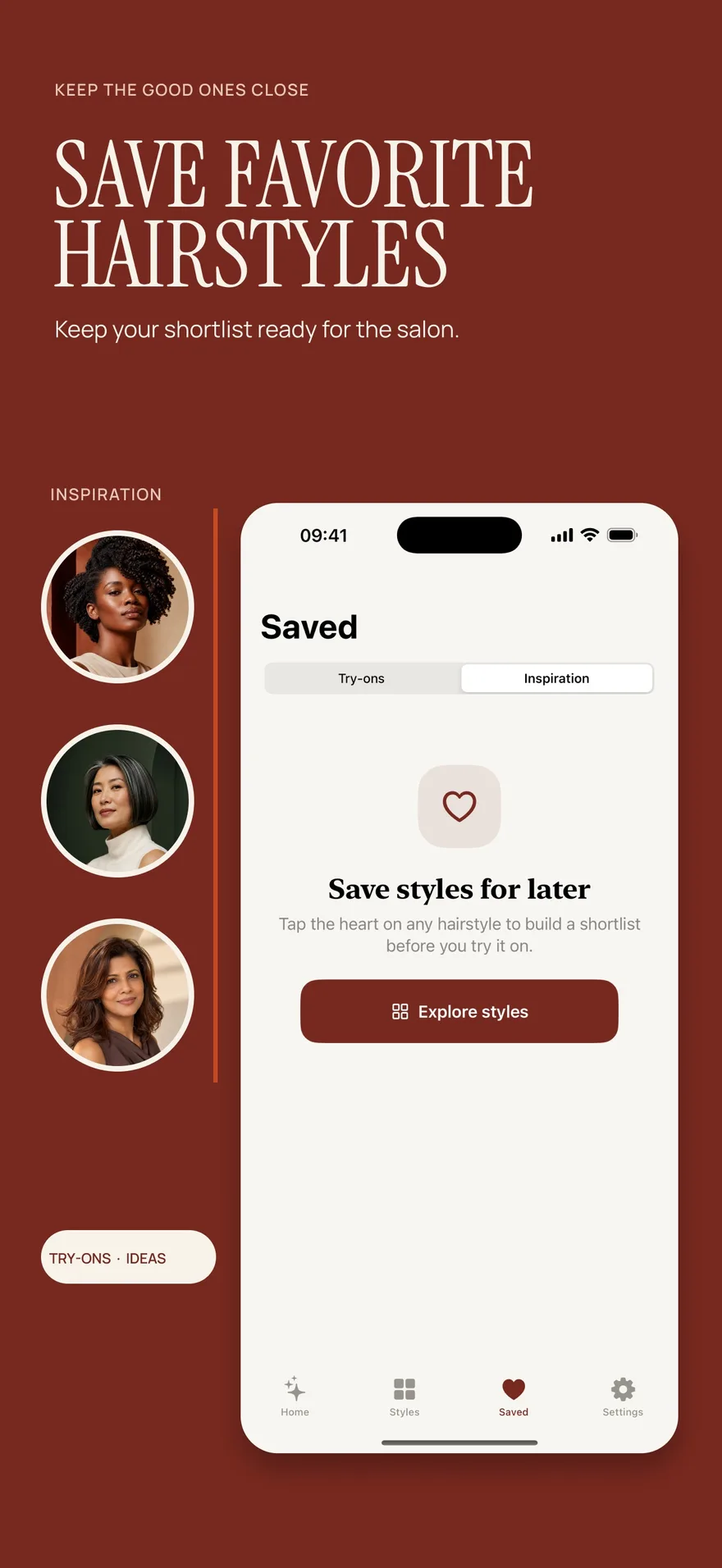
Source: App Store screenshot, captured 8 September 2026. Portraits are style inspiration.
Keep the original and the exceptions
A preview can show a shape you enjoy while inventing too much fullness, changing the glasses or arranging the ends more smoothly than you intend to wear them. That does not make every observation useless. Keep the useful preference and identify the exception.
Write, for example: “I like this outline, but the image makes my hair look fuller,” or “I like the fringe opening; I do not want this blowout routine.” These notes are clearer than quietly handing over the picture and hoping the stylist makes the same distinctions.
The AI preview accuracy article explains the limits. Bring an ordinary-day photo too if it helps show what you actually wear between appointments.
Decide whether the app access is worthwhile for you
Hair Magic is free to download with in-app purchases. The listing does not establish a free preview allowance; Premium includes unlimited previews while subscribed. Read the current access information before generating. A good planning brief does not require you to make a purchase.
If you already have a clear visual preference, spend the preparation time improving the notes instead. If you need to explore an appearance on your photo, choose an app whose available styles and workflow fit that question. Our iPhone tool comparison can help you assess the options.
Finish with the question you want answered
Before the appointment, reread the brief and remove references that do not add anything. Keep the current photo, the clearest direction and your practical requirements easy to find. You should be able to explain the main idea without scrolling through a large collection.
Can an app choose the cut for me?
It can help you explore a preference, but the preview is not a professional assessment. Use the session to prepare questions your stylist can answer on your actual hair.
Do I need to share the preview before the appointment?
That depends on the salon's process and your preference. Review the image and notes before sharing, and use the communication route the salon provides. You can also keep the material on your phone for the consultation itself.
Other product and brand names identify the services discussed. Their inclusion does not imply endorsement of Hair Magic by those providers. This comparison is published by Hair Magic.
About this guidance. Published by Hair Magic, the app discussed here. Product details are based on the Hair Magic App Store listing, checked on 18 October 2026. This is planning guidance, not a professional assessment of your hair. AI previews are visual estimates; features and prices may change.
Read our editorial approach or explore all journal articles.