
A bob cut filter helps you see a possible bob-shaped haircut on your own photo. Use it to compare where the ends land, how the sides frame your face, and whether you prefer a compact or softer outline. The preview can clarify a direction before a haircut, but it cannot prove exactly how a bob will sit on your real hair.
In Hair Magic, you can browse bob hairstyles, adjust the supported details of a chosen selection, and generate an AI preview. Keeping your current color makes the haircut comparison easier to understand. Start with length and silhouette, then discuss texture, density, and the actual cutting plan with your stylist.
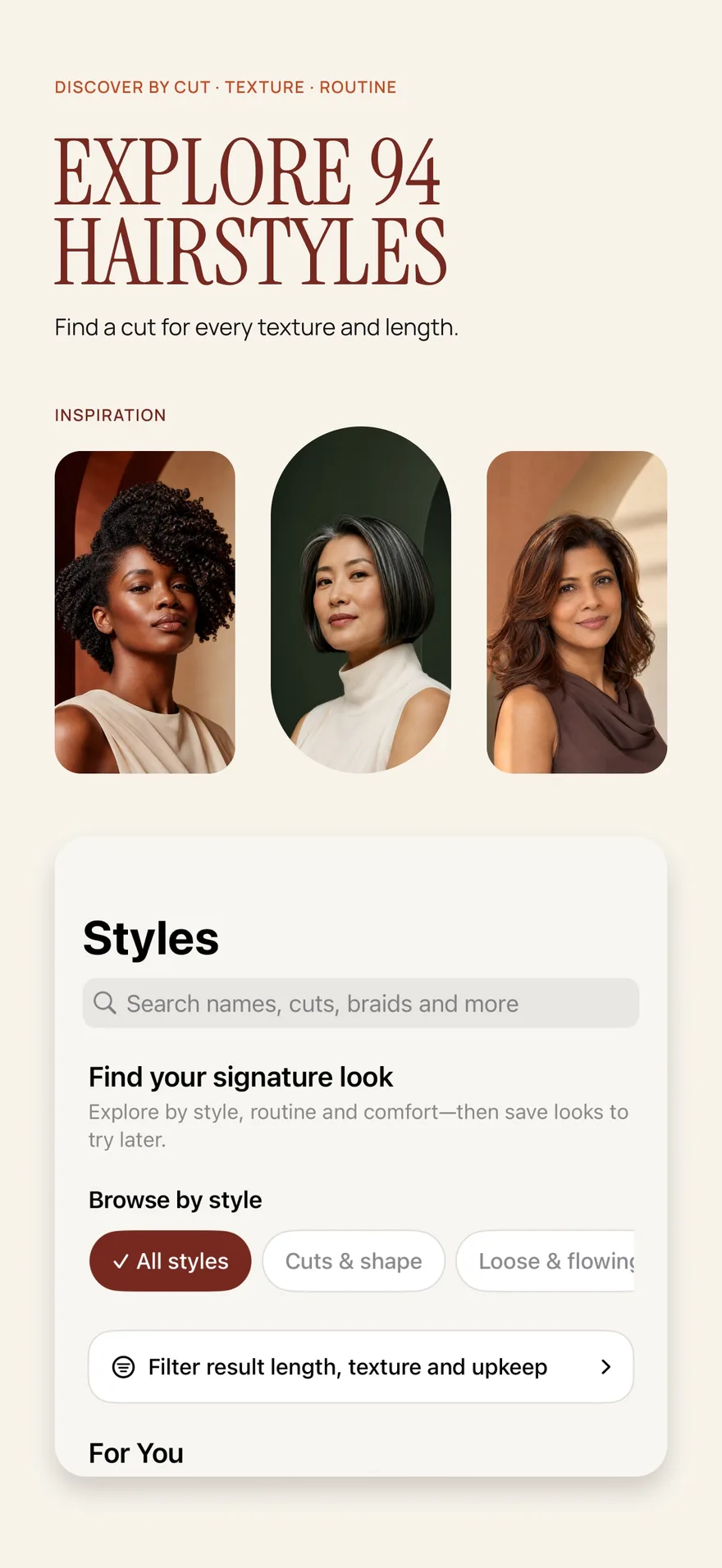
Source: App Store screenshot, captured 8 September 2026. Portraits are style inspiration.
Choose a length question before a bob name
The word “bob” covers many different appearances. A short shape near the jaw can feel quite different from one that approaches the shoulders. A crisp edge, a textured outline, and a curved finish also change the impression, even when the overall length is similar.
Rather than collecting every bob trend name, identify the landing point you want to explore. You might ask whether you like the ends near your jaw, whether a longer version feels more familiar, or whether you want the neck more visible.
If you are unsure about the boundary between a bob and a longer option, bob versus lob compares length, silhouette, and everyday hair-up needs. Use those distinctions as a vocabulary for discussion rather than as strict definitions that every salon applies identically.
Decide what your bob needs to do
Write down one practical requirement before trying a style. It might be enough length to secure your hair for work, room around glasses, a comfortable relationship with a scarf collar, or a shape you can wear with your natural texture.
A shorter picture may be appealing while creating a routine you do not want. For example, hair that currently sits behind your shoulders will interact differently with collars when it ends above them. A photo can show the length relationship, but not how the ends will move through a normal day.
If low effort is your priority, the low-maintenance haircut checklist helps define that goal in terms of your own routine. Shorter does not automatically mean easier.
Try a bob in Hair Magic
- Select or take a clear photo with your face, neckline, and shoulders visible. Leave room around your head so you can judge the complete shape.
- Browse or search the catalog for bob hairstyles. Use relevant length, texture, and upkeep filters to narrow the choices.
- Choose a bob direction and retain your current color for the first comparison.
- Adjust the available details, which may include target length, parting, layers, bangs, volume, or texture finish. Controls depend on the selected style.
- Review your selections and tap Generate. Hair Magic uploads the photo for cloud processing, which requires an internet connection.
- Compare the finished image with your original. Optionally save, export, or share the result and use a Salon Card to record your haircut preferences.
The app is free to download with in-app purchases. Premium includes unlimited AI previews while an active subscription is in place; a free download does not guarantee free generations.
Evaluate the outer line, then the inner shape
Start with the ends. Where does the bob appear to stop relative to your jaw and shoulders? Would you like it longer around the face, or do you enjoy the same apparent length throughout? Notice your preference without treating a particular landing point as a rule for your face shape.
Then look at where the hair appears fullest. An AI preview may create fullness your hair does not naturally have, or smooth out a texture that would affect the silhouette. Use the image to say where you want weight, not to assume the displayed density is achievable.
Finally examine the parting and fringe. A bob with a different part can feel like a different haircut even without a major length change. If you like the bob but dislike the front, identify that distinction instead of discarding the whole idea.
Compare a bob with one useful alternative
Choose a nearby alternative rather than an unrelated makeover. Compare a shorter bob with a longer direction, or a straighter-looking outline with a softer finish. Keeping color and most other details consistent makes the difference easier to assess.
If you are contemplating a major reduction in length, the short hair try-on guide provides a broader comparison process. You can decide whether the bob is your preferred destination or an intermediate idea worth discussing.
For each option, write one sentence about appearance and one about wearability. “I prefer the jaw-length outline” and “I need to ask whether the front can stay out of my face” are separate conclusions, and both matter.
Bring these questions to your stylist
A useful bob consultation includes the following:
- Where should the length land when my hair is worn in its usual texture?
- How will the proposed edge behave with my density and natural growth direction?
- Which parts of this preview depend on styling rather than the cut alone?
- What can I realistically tie back or tuck behind my ears at this length?
- How will the shape change as it grows, and what upkeep would I be choosing?
The preview cannot inspect your hair or replace that conversation. Keep your original alongside it so your starting point is clear.
Create a Salon Card with your chosen bob direction, color, and practical notes. A successful bob filter session ends with a specific, discussable preference: where you want the length, what shape you enjoy, and how you want to live with the haircut.
About this guidance. Published by Hair Magic, the app discussed here. Product details are based on the Hair Magic App Store listing, checked on 18 October 2026. This is planning guidance, not a professional assessment of your hair. AI previews are visual estimates; features and prices may change.
Read our editorial approach or explore all hairstyle guides.